Pauses when you leave.
Picks up when you’re back.
Desk Island is a study timer for parents who want to support study at home. Just stand the phone on the desk. The longer your child keeps going, the more their town grows.
Coming soon to the App Store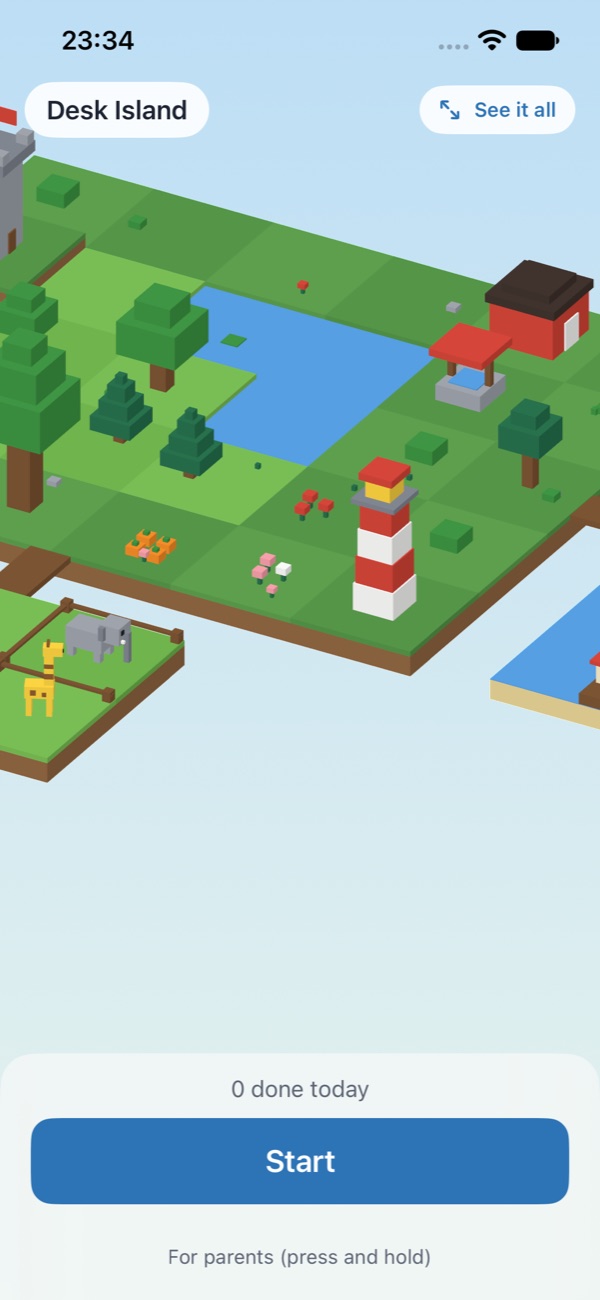
Three steps
1
Stand the phone on the desk
Place a parent’s phone where it can see your child.
2
Tap Start
The timer pauses when your child leaves the seat and resumes automatically when they return.
3
The town grows
Each time the goal time is reached, the town grows by one. The timer doesn’t stop at the goal, so they can keep going.
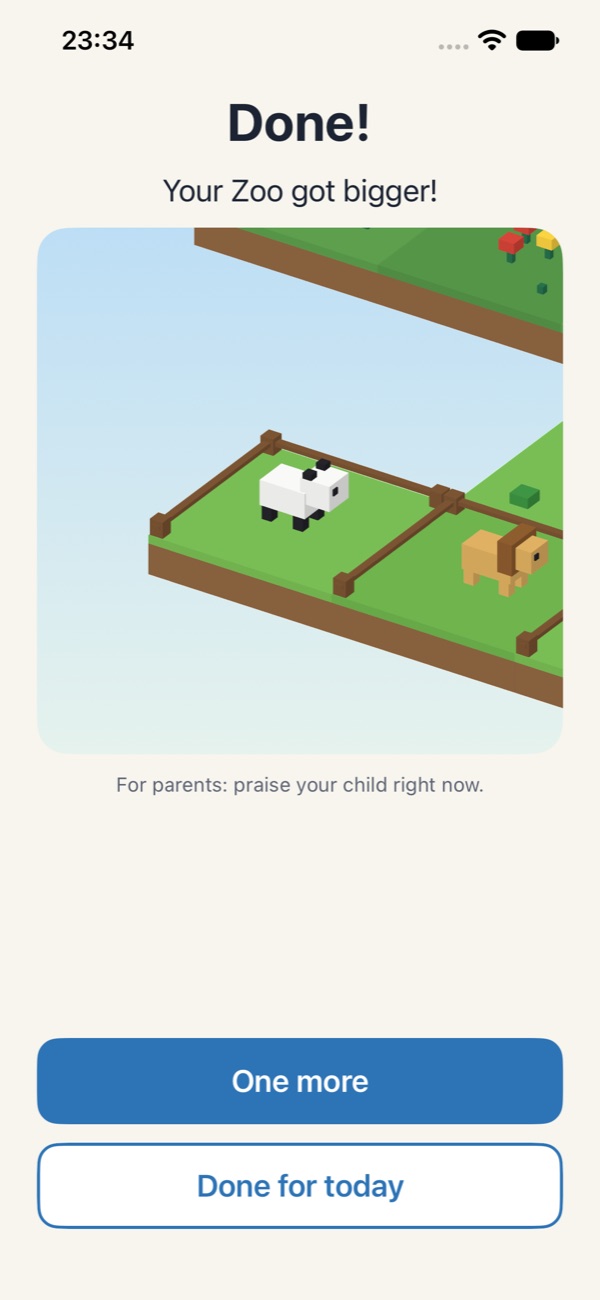
Expand or grow.
Your child chooses
- As the town expands, a harbor, a zoo, an airport and an aquarium appear.
- After that, your child chooses whether to expand the town or grow one of them.
- The town only moves on the home screen and the finish screen. It never appears while studying.
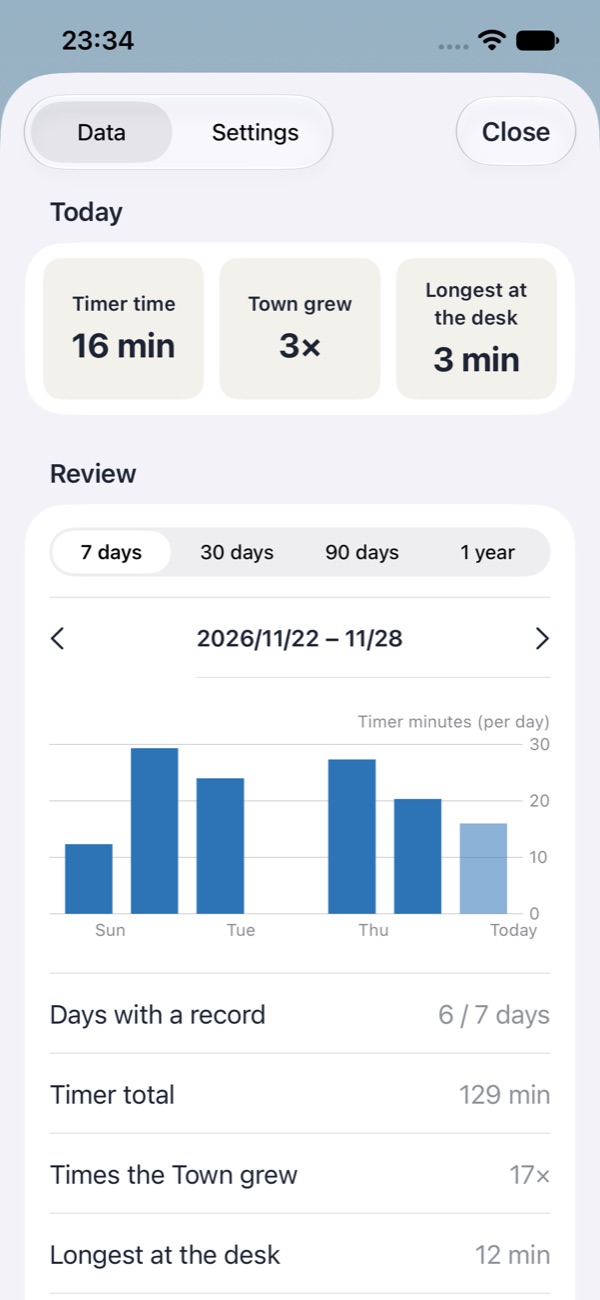
Parents can see the record
- Today’s timer time, how many times the town grew, and the longest stretch at the desk.
- A 7-day review. With the Parent Plan: 30 days, 90 days and 1 year.
- Records and settings are protected by a code the parent sets.
About the camera
- It only checks whether a person is in the camera frame.
- The check happens on the phone. Video is never saved and never leaves the device.
- You can also use it as a plain timer, without the camera.
- Records stay on that phone only. There is no account to create.
Price
| Free | 8-minute timer, camera check, the town, 7-day review |
|---|---|
| Parent Plan (one-time, no monthly fee) | Change the goal time from 1 to 60 minutes, 30-day / 90-day / 1-year review, a log of every session |